
Validate who is joining.
Use verified email and partner-domain rules to match participants to the right business. Approve eligible registrations automatically where configured, and route exceptions for review.
Give sellers a place to find offers, report sales, and earn rewards. Your team manages eligibility, reviews submissions, and puts promotions into action from the same platform.
The participant experience
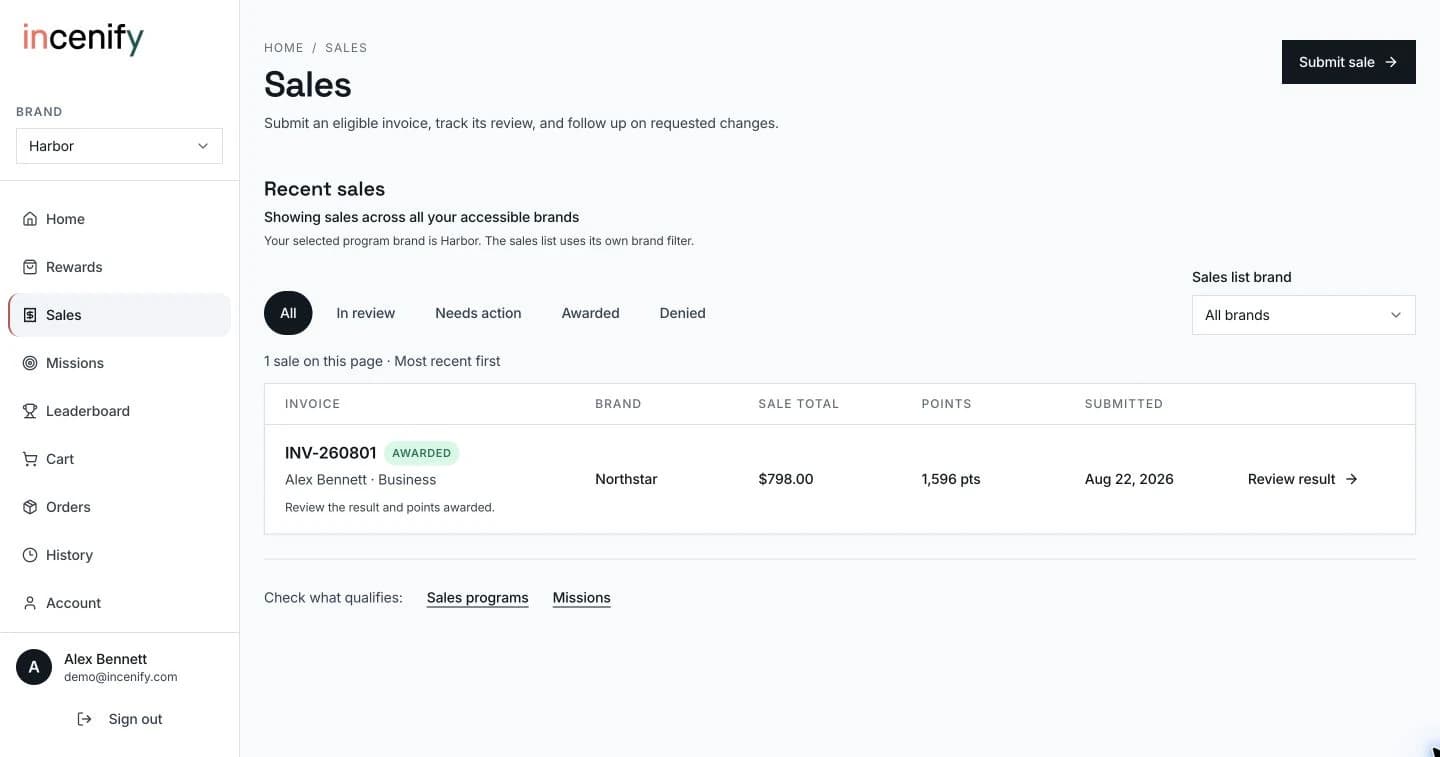
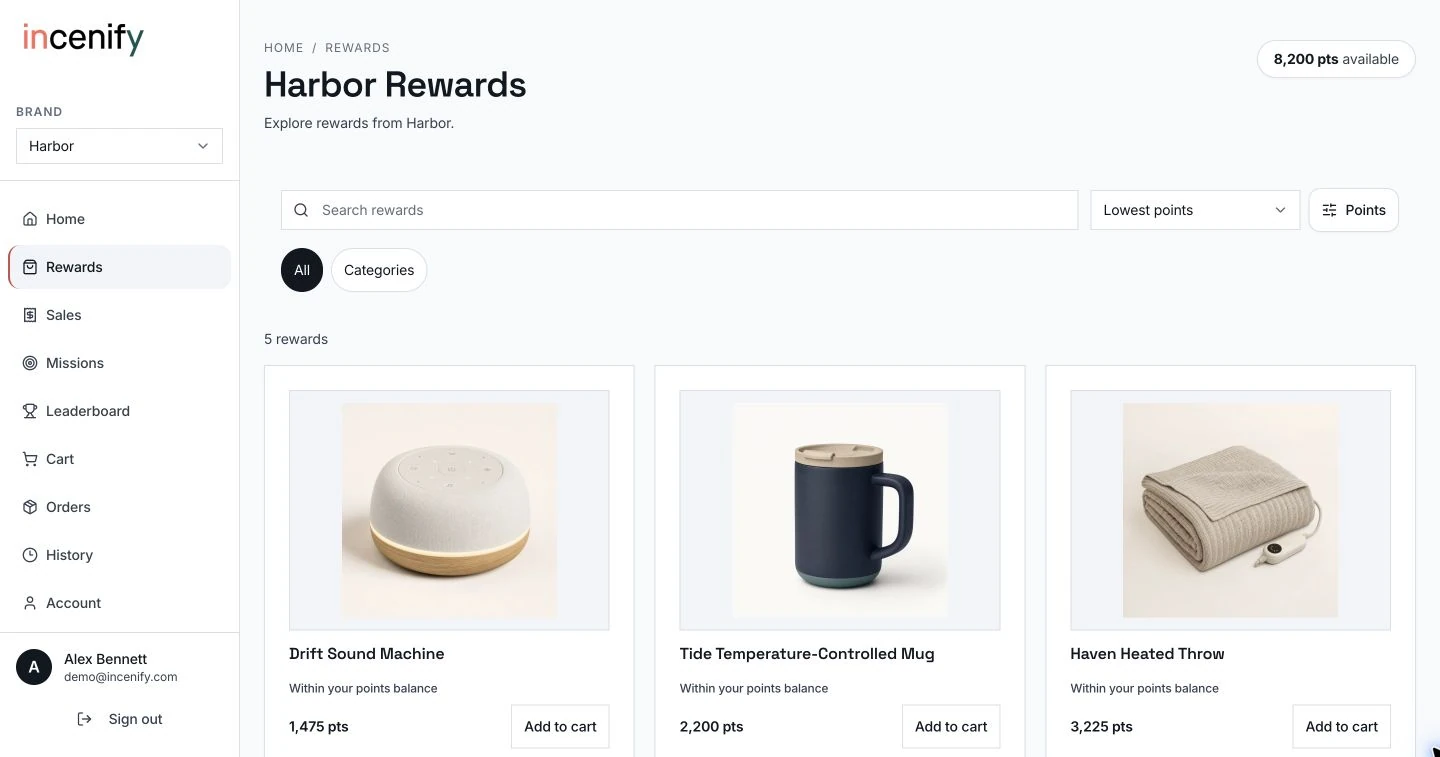
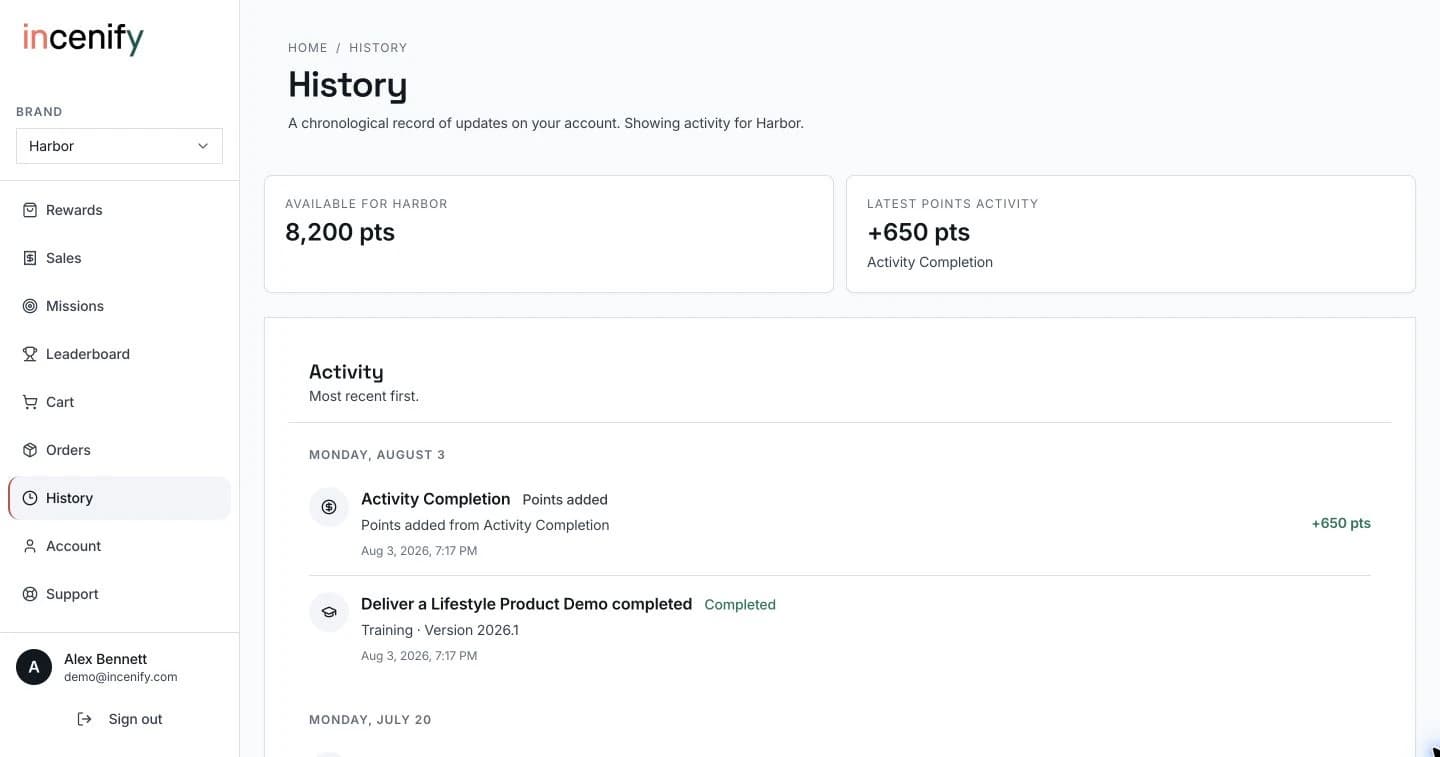
Follow an offer through submission, review, and reward. This example also shows how guided SMS can fit into the same program.
Guided product tour
01See what matters now.
01 of 6: See what matters now.
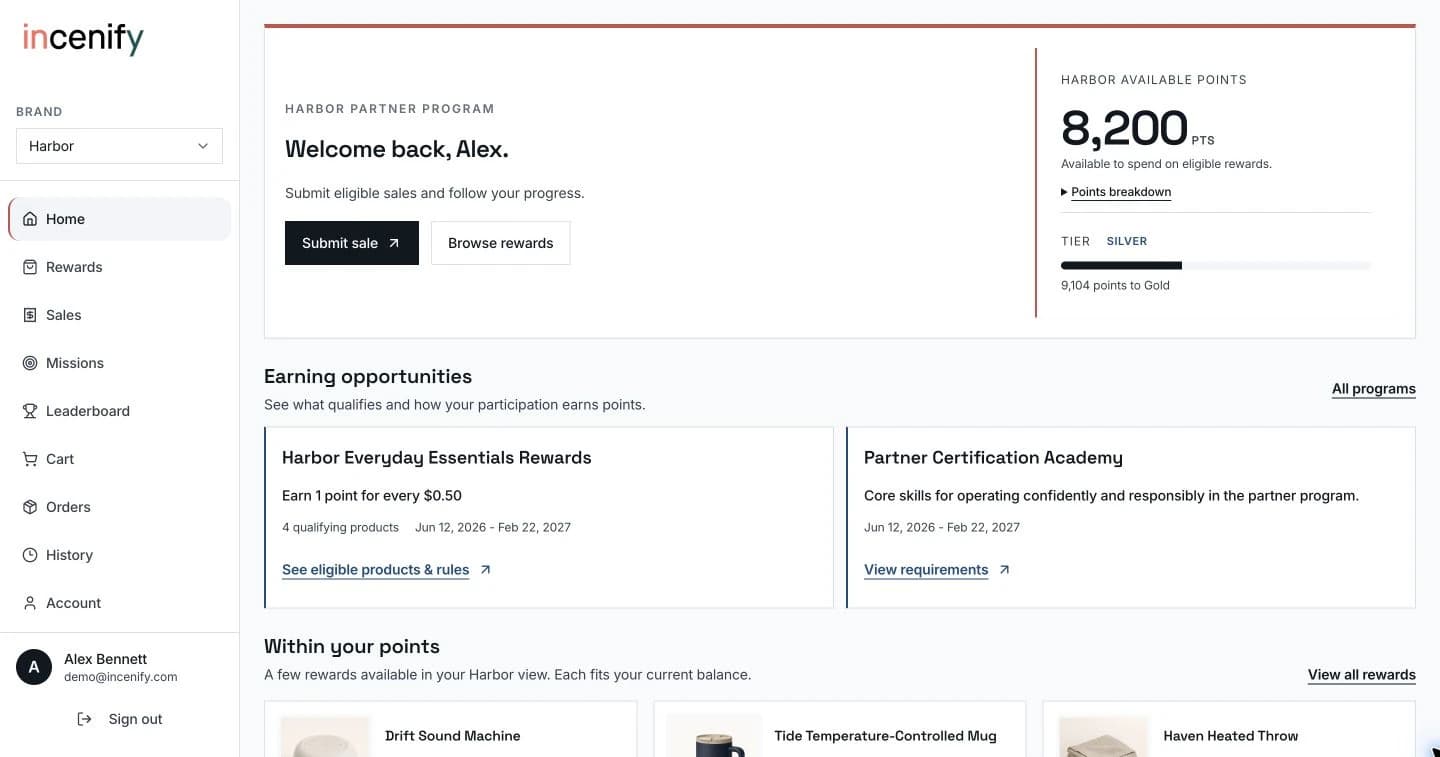
Bring available offers, points, and next actions into one view shaped around the person and the programs they can use.
Product demo · Sample program data
For the team running the program
Within an established program, put a ready promotion live immediately or schedule it for later. Set the audience, qualifying activity, and incentive to support a product launch, a sales target, or a new priority.
Guided management tour
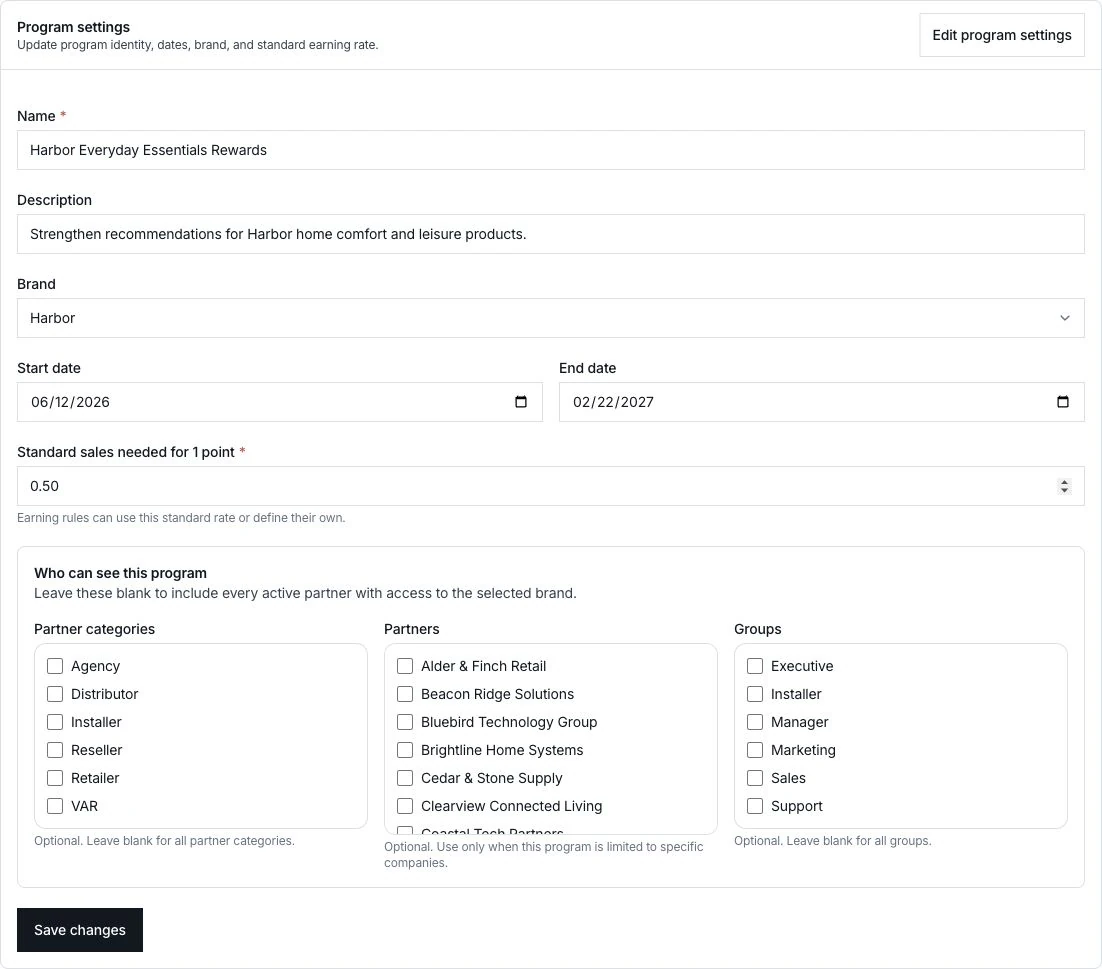
Start with the dates.
1 of 4: Start with the dates.
Set the start and end dates, then save the settings. A ready program becomes available during that window to the audience you’ve selected. These are the dates for the Harbor example that follows.
Actual Incenify screens · Demo program data
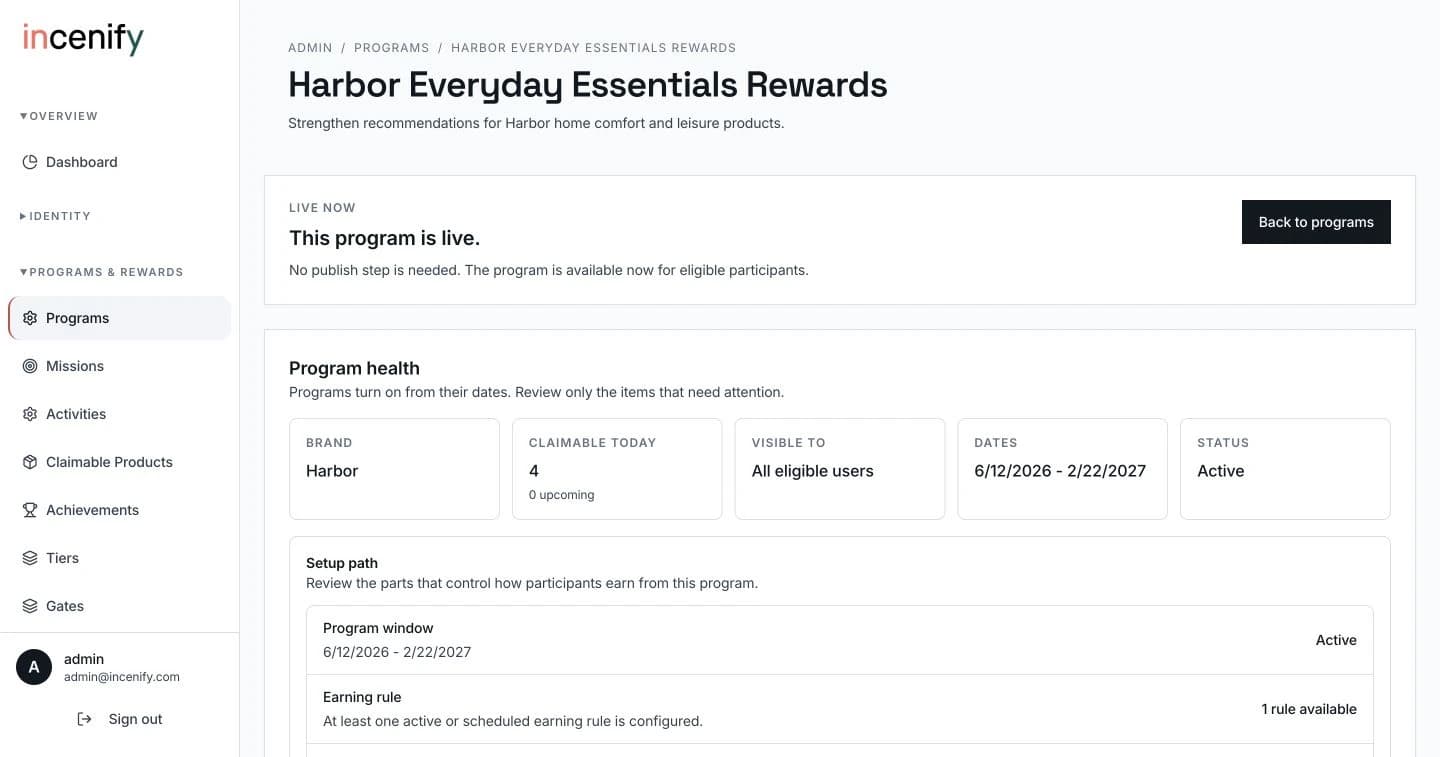
View full screen (opens in a new tab)The same Harbor program shows a live status in the workspace. Within an established program, ready promotions can be available now or scheduled for later, subject to their dates and eligibility rules.
Actual Incenify screens · Demo program data
View full screen (opens in a new tab)On the participant dashboard, Harbor Everyday Essentials Rewards shows its earning rate, qualifying product count, and dates. See eligible products & rules takes the participant directly to the program’s requirements.
Actual Incenify screens · Demo program data
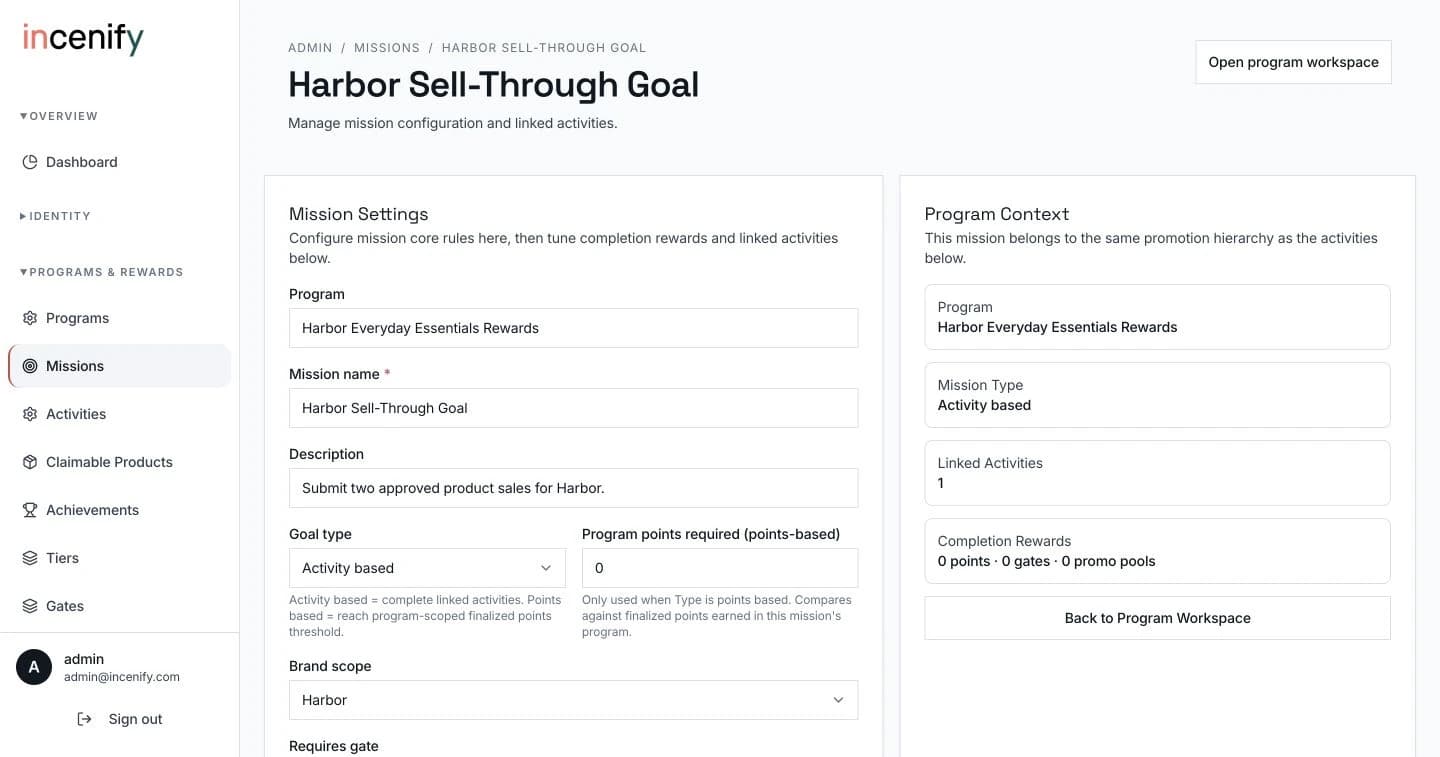
View full screen (opens in a new tab)This mission asks for two approved Harbor product sales. The activity-based goal ties progress to the qualifying sales in the program.
Actual Incenify screens · Demo program data
View full screen (opens in a new tab)Partner eligibility and validation
A partner’s relationship with your brand should shape their experience. Incenify connects registration, audience eligibility, and program qualification so the right people can reach the right opportunities.
Use verified email and partner-domain rules to match participants to the right business. Approve eligible registrations automatically where configured, and route exceptions for review.
Use partner groups, brand access, and qualification requirements to determine which programs and missions someone can take part in.
Incenify · Audience controls
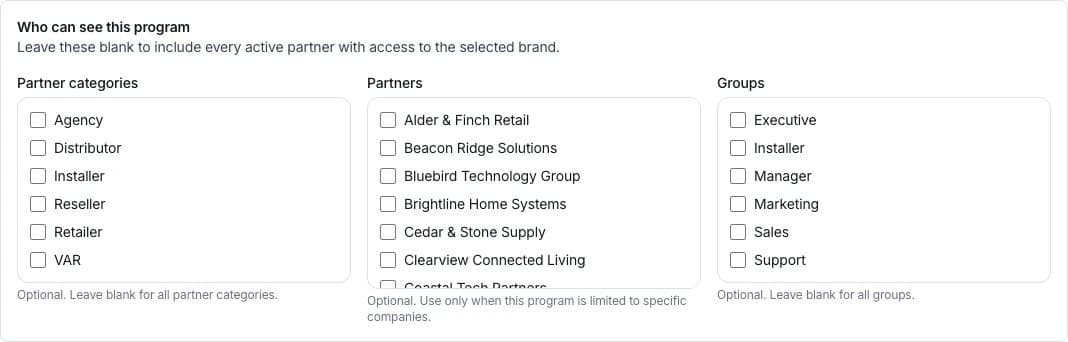
Swipe to explore the screen.
Actual Incenify screen · Demo program. Target partner categories, specific companies, and groups. This example includes all eligible participants.
View full size (opens in a new tab)Choose the audience, qualifying activity, and reward approach for each objective.
Incenify can operate independently. When a connection to an existing system would help, we work with you to define the data and scope involved.
Find a program for your audienceBring a new initiative or an existing program. We’ll walk through how your audience would qualify, what activity would earn a reward, and how your team would manage it in Incenify.